




From five disconnected tools to one client system.
A walkthrough of how a service business — a small consulting studio, in this illustration — moves a client from first inquiry to paid invoice entirely inside NoviCRM.
About this walkthrough: this is an illustrative demonstration of NoviCRM’s workflow using representative sample data — not a report of a specific named client’s measured results.
Five tools, one business, no shared view
Before consolidating onto one system, a typical small service business — a consultancy, a studio, a clinic — runs its client relationships across a scatter of separate tools that don’t talk to each other.
- Leads tracked in a spreadsheet, updated inconsistently
- Proposals sent as email attachments, no read/accept tracking
- Invoices in a separate billing tool, one gateway only
- Bookings via a third-party scheduling link
- Support requests lost in a shared inbox
- Client credentials in a shared document
- Leads, proposals, and contracts on one pipeline
- Proposals sent and accepted in-app, status visible instantly
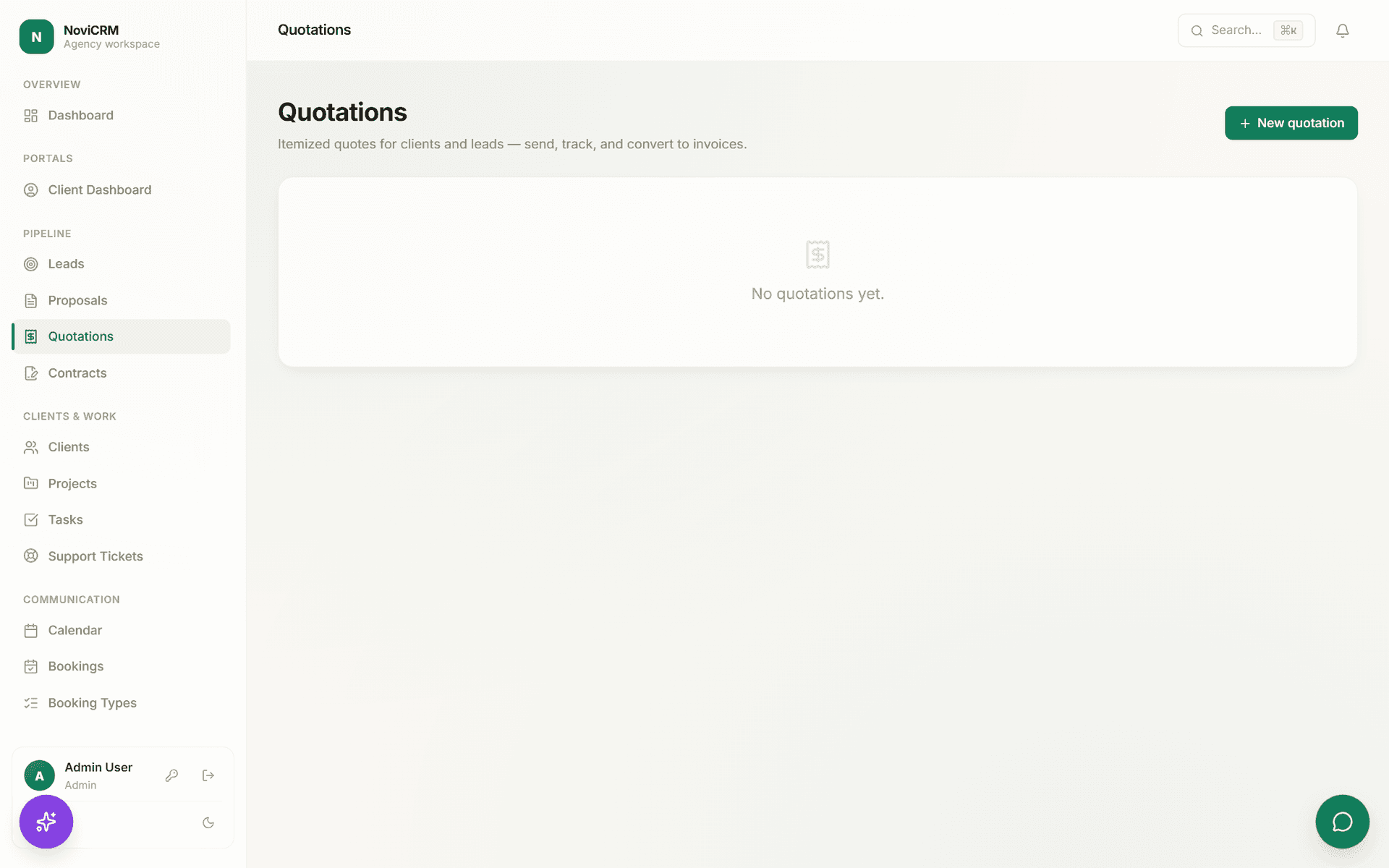
- Quotations convert to invoices, six gateways to choose from
- Booking page built in, syncs straight to the calendar
- Support tickets and live chat in the same client record
- Credentials encrypted in the built-in vault
Representative, not measured — this describes a common pattern reported informally by small service businesses evaluating all-in-one CRMs, illustrative of the problem NoviCRM solves rather than one client’s audited before/after data.
One client, start to finish
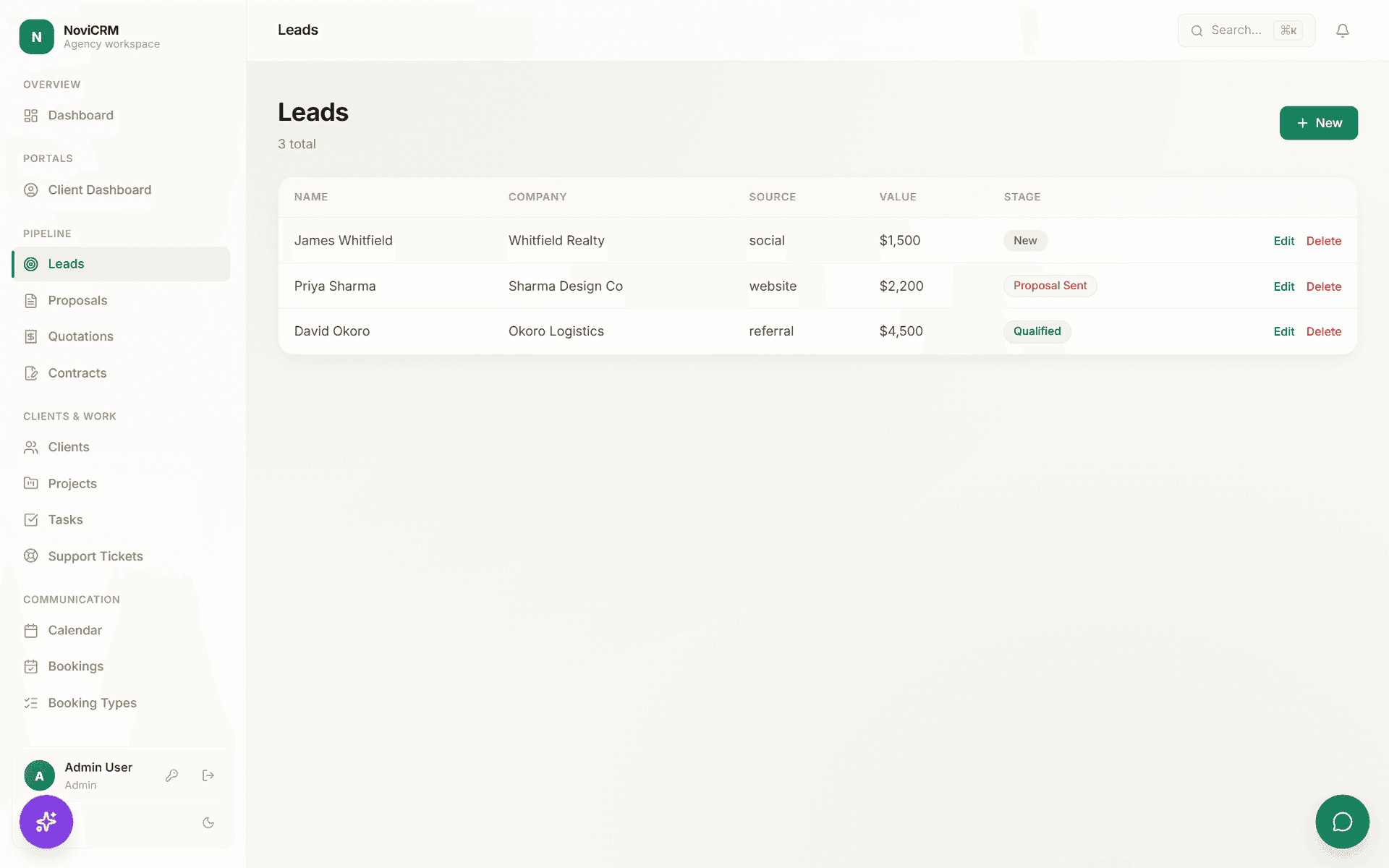
Here’s the same path every client actually takes through the system — six steps, one login each for the studio and the client.
What the client sees
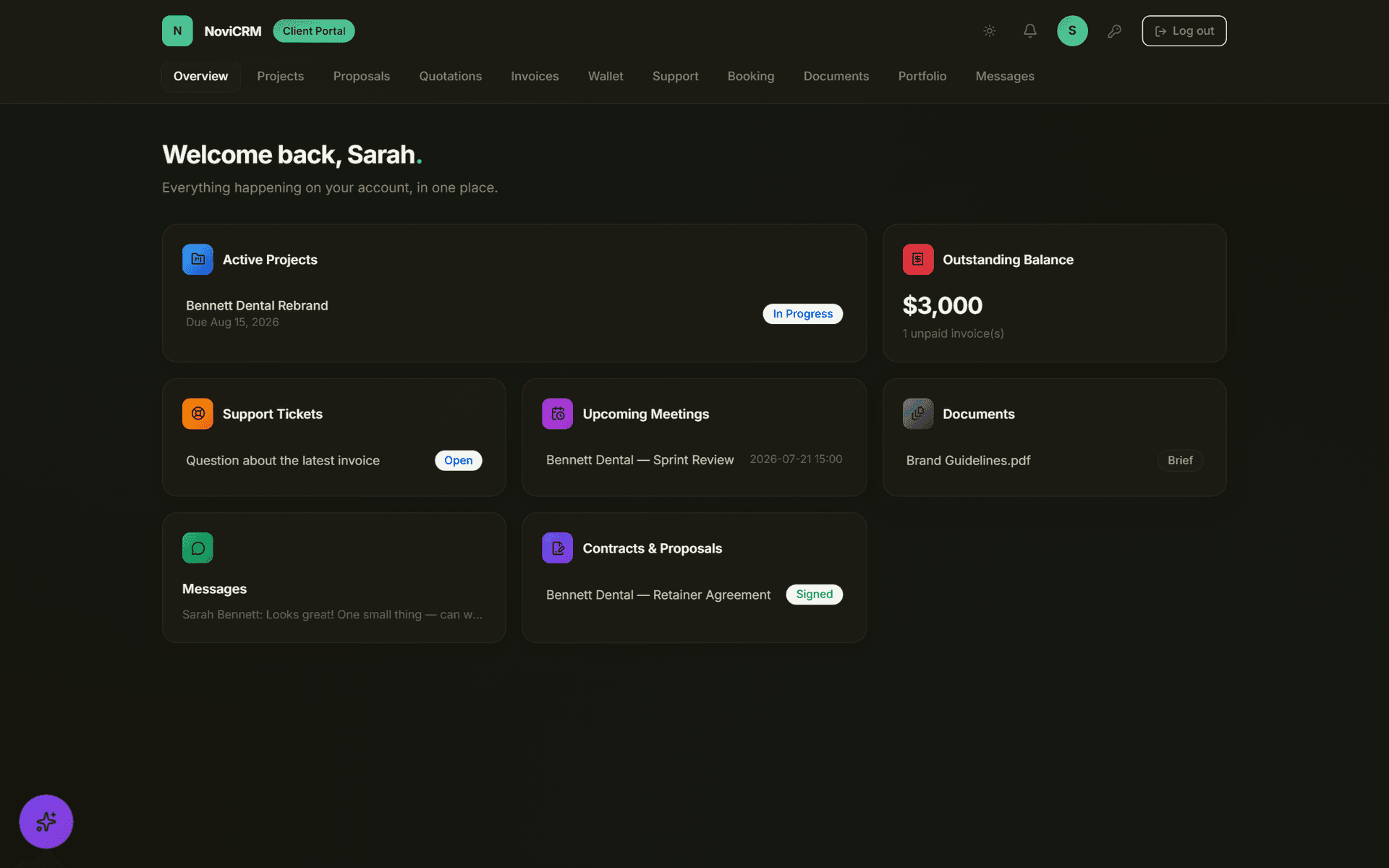
The client never touches the admin side — their own portal shows exactly their own project, nothing else.
“The point isn’t that the client sees more — it’s that they stop needing to ask.”
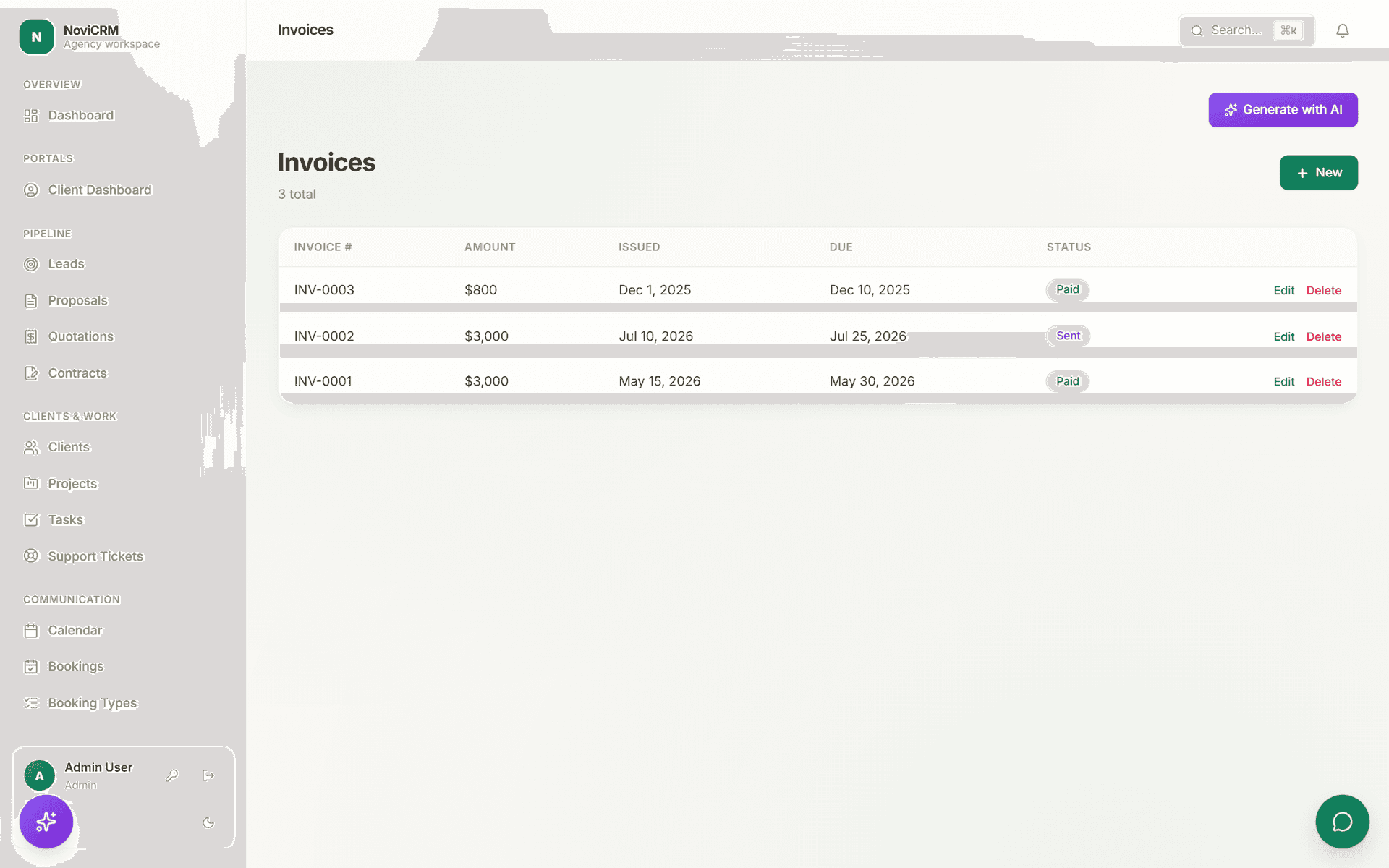
6 — Paid
Card, bank transfer, or a client’s wallet balance — six gateways side by side, chosen at checkout, no separate payment portal login.
Built to be shown to a client, not just used internally
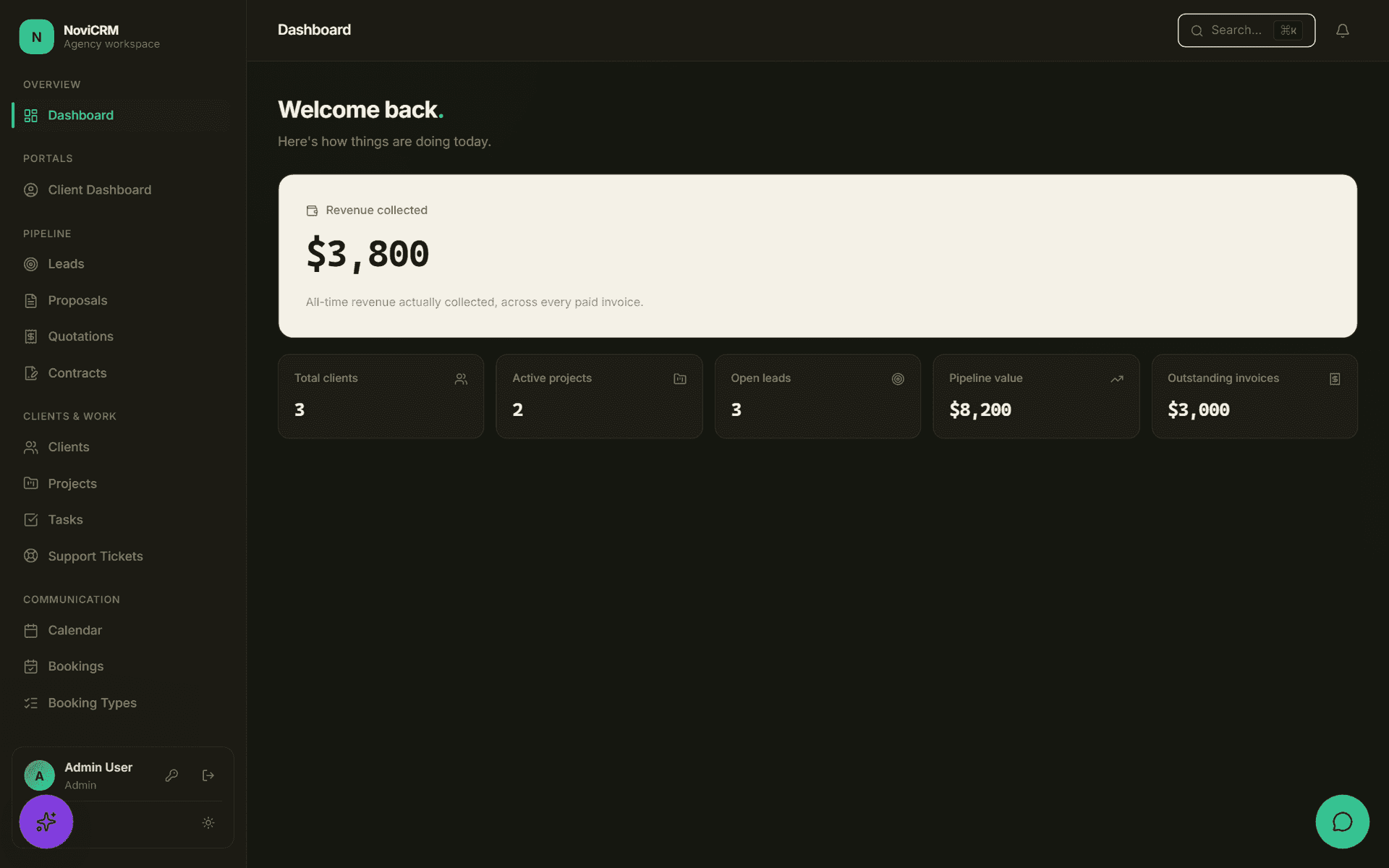
Try the same walkthrough yourself
Every screen in the product is a real screenshot from a running instance — try the live demo, or install NoviCRM locally and walk the same lead-to-payment path with seeded demo data.